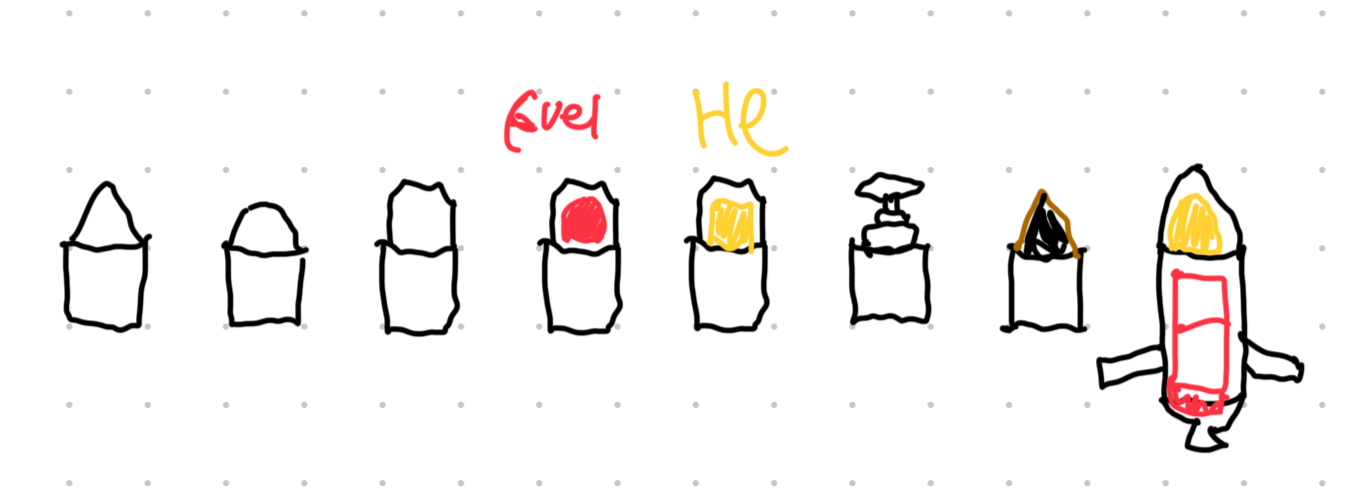
this week i did a of thinking about tilesheets and art. i even did some 2 tile bullet sketches in the park.
machine art
as mentioned last week, the new art is back from the artist so it has been integrated. its still really placeholder stuff and not animated or coloured but its a vast improvement over the previous.
the new tiles in action
this required quite a lot of changes as the new art is 32x while the original was 128x, and given that we dont have every machine yet i had to just resize some of the old art, which is why the spawner is looking a bit blurry, its been scaled down from 128x => 32x then both are scaled up to 64x. the power of tech debt.
spawners also got a small art remake, their loading bar has been replaced with a set of LEDs as part of the display eneity overhaul. more of that below.
component art
we want projectiles to be assembled into almost any arragment but this puts some difficulties on the rendering of projectiles, especally once they get very weirdly shaped. when you need tiles arranged nicely, and you dont know exactly that arrangement before hand, tilesets can be a great way to go.
but we’re not making a game that fits with the usual tielset usage of backgrounds and platforms. after spending some time early in the week considering the topic and fighting tooth and nail with godots TileSheetLayer system, i’ve come to an idea about how projectile graphics can be aranged.
as a quick aside, i’d really reccomend reading boristhebrave’s tileset category breakdown if you dont have a good understanding of this topic, the site is great.
so for each projectile component, we use a 16 square “Cell Type” autotiling set.
 such as this
this contains all the art needed to arrange that component into most shapes. with a view that each projectile really only has one up, so we can streamline things to make that look good. for example, we could have a tileset of Case art, where most parts are organised to look nice and smooth.
each of the tiles in this set is then given
- a peering bit, which is used to check what parts can legally join to each other
- a “socket” indicator
in game, each component moving within the factory has multiple layers inside it. machine layer, slug layer, case layer, etc. these are arranged in an order so that any parent component will be above its children in the layer. when two parts join, it uses the peering bits to figure out which art to show. but when two parts of different kinds join, it searches for a part with a compadible overlap value and switches that in instead, redoing the whole peering process too.
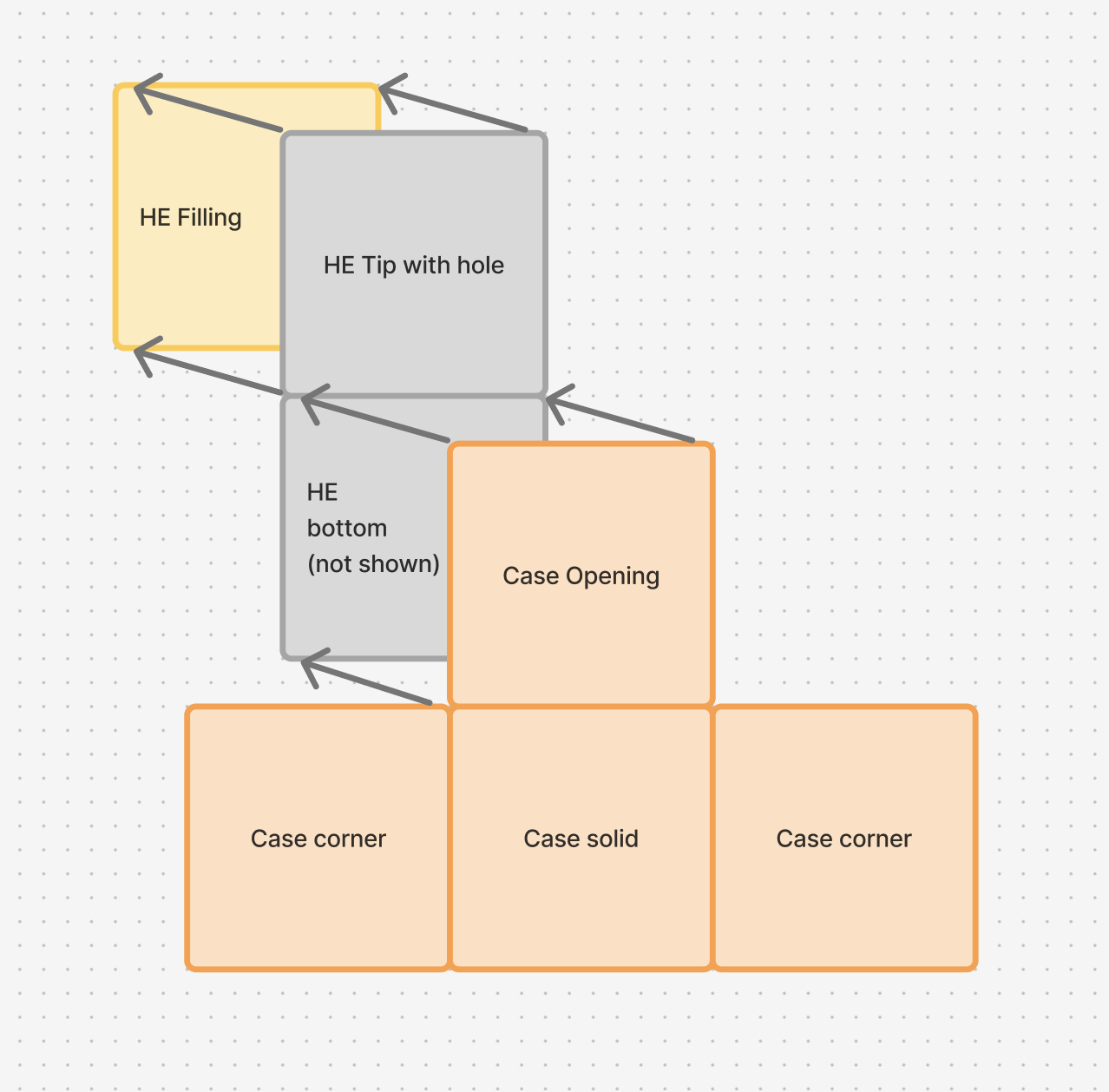 an example of the theory
for now the sockets aren’t in the art set so instead i’m just having the child component extend itself to the boundry of the parent to give the impression that its contained within its parent.
practically what this looks like is
we also dont have the new bullet art, so placeholders are doing work for now. i’ll probably add more on that next week.